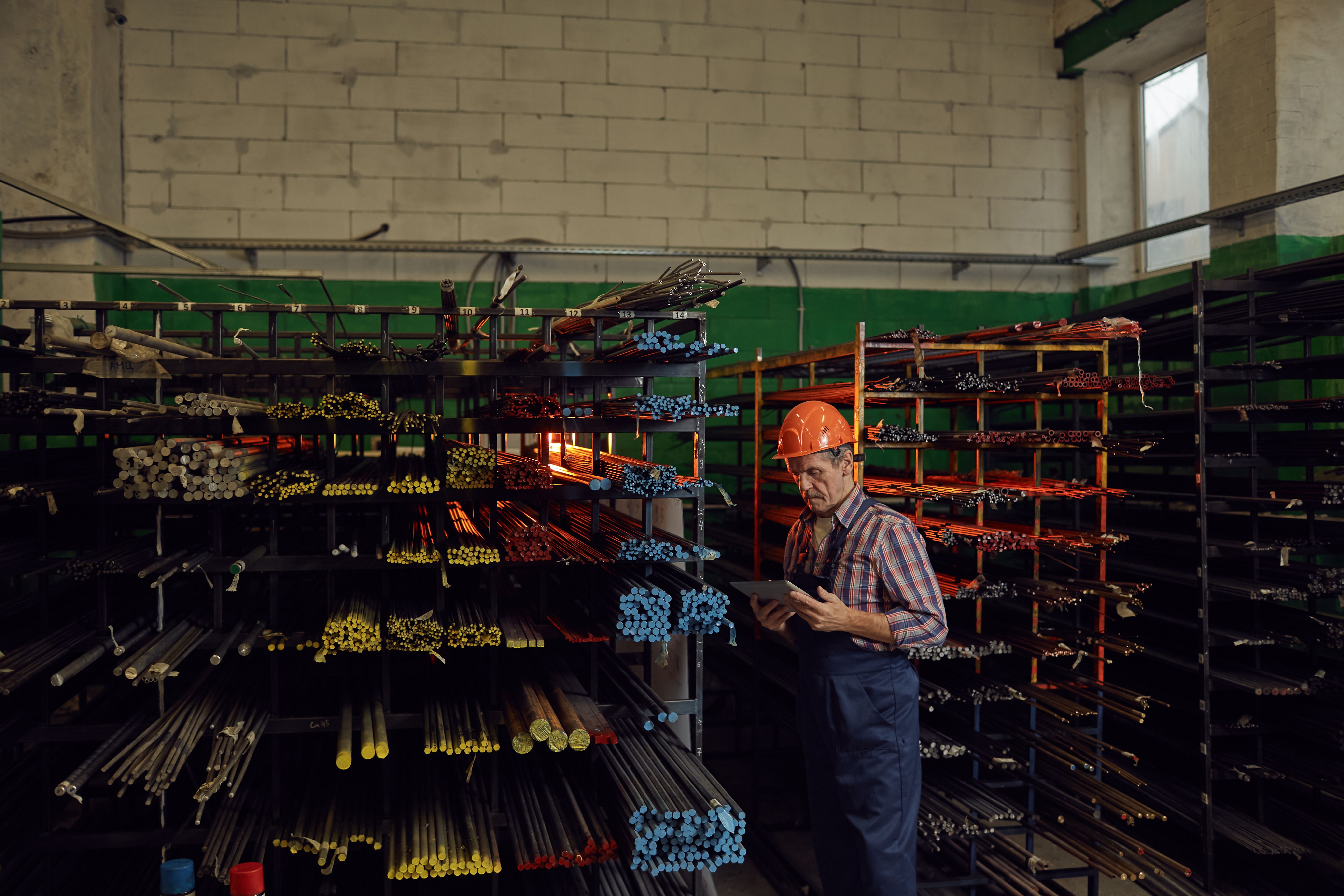
Excess material is a normal outcome in contract manufacturing, especially when vendor minimum order quantities force you to buy more than a single job needs. Customer-driven revisions can create the same problem midstream, leaving you with material that was purchased for a specific order but is no longer needed as planned.
If you do not handle that excess consistently, the consequences show up quickly: inventory relief becomes harder to explain, job costs can drift from what actually happened, and accounting ends up with variance that has no clear home. Cetec ERP supports this scenario with an auto-relieve setting that allocates an entire bin quantity to an order and books the variance through a defined reason code.
What Auto-Relieve Excess Material Does
Auto-Relieve Excess Material is designed to allocate a full bin quantity to an order automatically. This is most useful when you intentionally want to consume the entire bin on a job due to minimum order quantities, or when you need a clean way to capture costs from materials already purchased after a customer revision.
Enable the Setting in Cetec ERP
To enable auto-relieve behavior, turn on the configuration setting in Cetec ERP and point it to an Inventory Shortage Reason. That reason code drives how the system records the financial side of the variance created by relieving more than a normal split would have relieved.

Use Inventory Shortage Reasons to Control GL Posting
The Inventory Shortage Reason is maintained in the Data Maintenance Table and includes a GL Account Id. When Cetec ERP auto-relieves excess material (including cases where you are not doing PO receipt splits), that shortage reason gives you a consistent, auditable way to route the financial impact to the correct account.

What to Review After You Turn It On
Before relying on this behavior in production, confirm that the Inventory Shortage Reason you selected matches how your accounting team expects the variance to post. If you are using auto-relieve mainly for minimum order quantities, you typically want the reason to reflect planned overbuy or MOQ-driven variance. If you are using it mainly for customer revisions, the reason should support how you recover or reclassify those costs in your GL.
For an operational walkthrough, refer to the how-to video: https://cetecerp.com/support/how-to/how-to-use-auto-relieve-excess-from-bin.html
Key Takeaways
- Auto-relieve allocates a full bin quantity to an order when you want to consume excess material intentionally.
- Select an Inventory Shortage Reason so the variance posts to the right GL account.
- Use this approach when minimum order quantities or customer revisions create material that needs consistent cost capture.
- Review the shortage reason setup with accounting before you rely on the setting for day-to-day relief.
Conclusion
Excess material is not just an inventory issue, it is also a costing and accounting issue. By using Cetec ERP auto-relieve with a defined Inventory Shortage Reason, your team can allocate full bin quantities when appropriate while keeping inventory relief and GL posting consistent and explainable.