Using Barcodes in Cetec ERP for Regulated Manufacturing
Oct 1 2018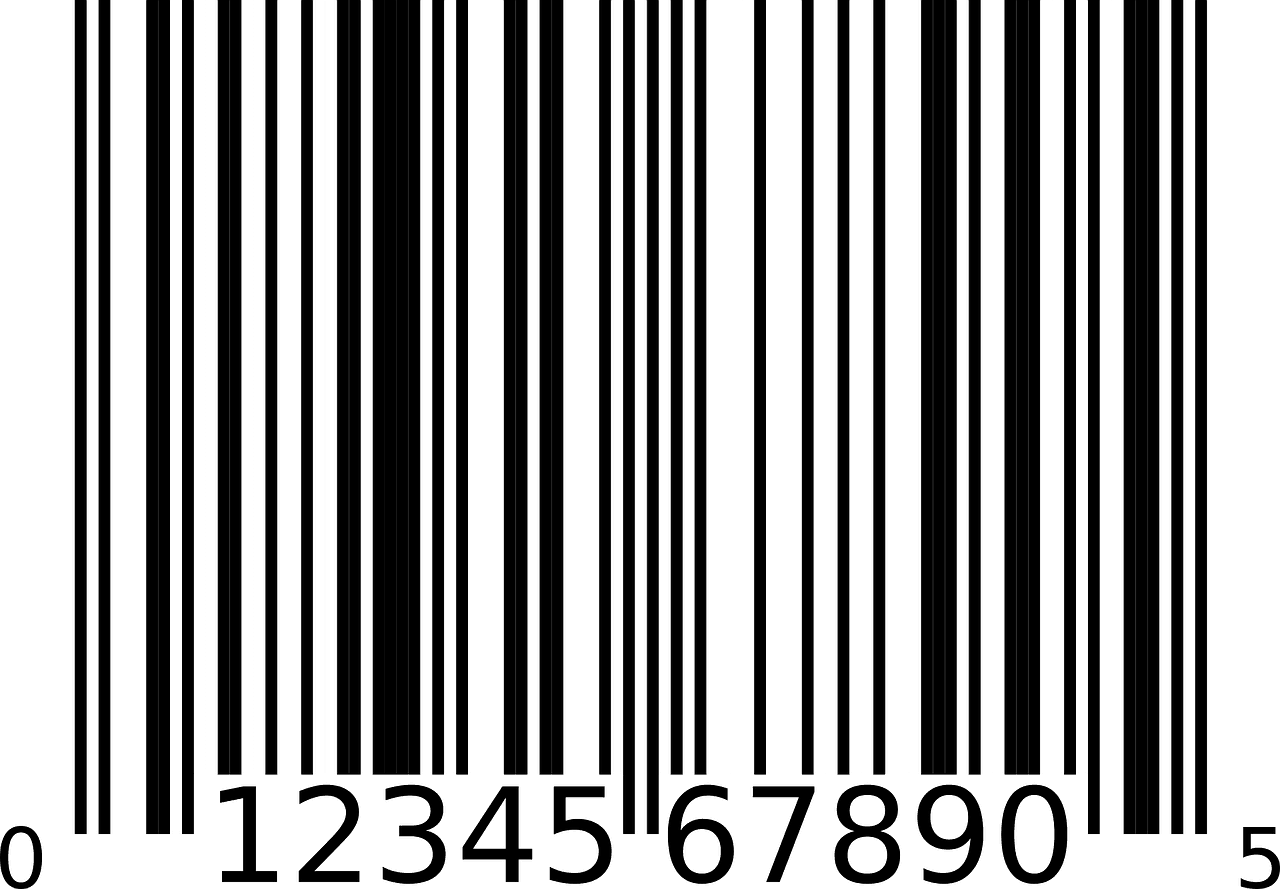
Using Barcodes in Cetec ERP for Regulated Manufacturing
In regulated manufacturing environments, barcodes carry real operational weight. They drive how you track inventory, capture serial numbers, connect parts to work orders, and prove traceability to auditors.
Cetec ERP includes barcode support across inventory, warehousing, and production. By configuring the right barcode format for your customers and regulators, you can keep daily transactions simple while meeting documentation and labeling requirements for medical device, aerospace, and other regulated industries.
How Cetec ERP Uses Barcodes in Daily Operations
Cetec ERP applies barcode labels to core objects such as inventory locations, receipt labels, work orders, and travelers. Operators and warehouse staff can scan these barcodes to receive material, move stock, pick to a job, or confirm components into production. Using barcodes for these steps reduces manual entry, supports accurate serial and lot tracking, and makes it easier to prove where every unit was used.

Default Code 128 and Regulated Barcode Formats
By default, Cetec ERP uses Code 128 barcodes. This general-purpose symbology works well for most internal labels, including part numbers, receipts, locations, and work orders.
For customers in regulated spaces, Cetec ERP can accommodate other formats built on Code 128, such as GS1-128, which is commonly required for medical device labeling. In those cases, the system can generate labels that include the additional data your customer or regulator expects, as long as the required data elements and label format are defined.
Configuring Barcode Requirements by Customer
Barcode requirements often differ by customer or program. Cetec ERP can support customer-specific barcode formats when those requirements are documented and tied to the right documents, such as packing slips, labels, and travelers. Your team can build custom document layouts, or work with Cetec ERP to design them, so that each customer receives the barcode content they specify.
Once those formats are in place, barcodes become part of the normal workflow. Users generate travelers, labels, and shipping documents from Cetec ERP, and scanners read the resulting codes to drive warehouse and production activity. This keeps the system of record aligned with what is happening on the floor without extra manual steps.
For more detail on how barcoding behaves in Cetec ERP, you can review the support resources on barcode setup, mobile warehousing, and how barcoded travelers work in day-to-day production.
Key Takeaways
- Cetec ERP uses barcodes to support inventory control, serial and lot tracking, and work order execution in regulated environments.
- The system generates Code 128 barcodes by default and can be configured to support formats such as GS1-128 when requirements are clearly defined.
- Customer-specific barcode layouts can be built into documents and labels so that regulatory and program needs are met without extra manual work.
- Scanning barcodes instead of typing data improves traceability and helps maintain accurate records for audits and customer reviews.
Conclusion
Barcoding is a small detail that carries large consequences in regulated manufacturing. By configuring barcode formats and documents correctly inside Cetec ERP, your team can meet medical device and aerospace requirements while keeping inventory, production, and shipping workflows straightforward for daily users.